All free tools

FREE TESLA HOME DAY & OUTAGE PLANNER

Your Tesla home.
Connected.

See how the pieces could work together.
Then picture what that means for your life.

Your full plan is free. No email required.BRAND NEW Explore the 2026 Tesla panels

What matters to you?

An example to explore · Choose what you own or want to evaluate.

See my live planning snapshot
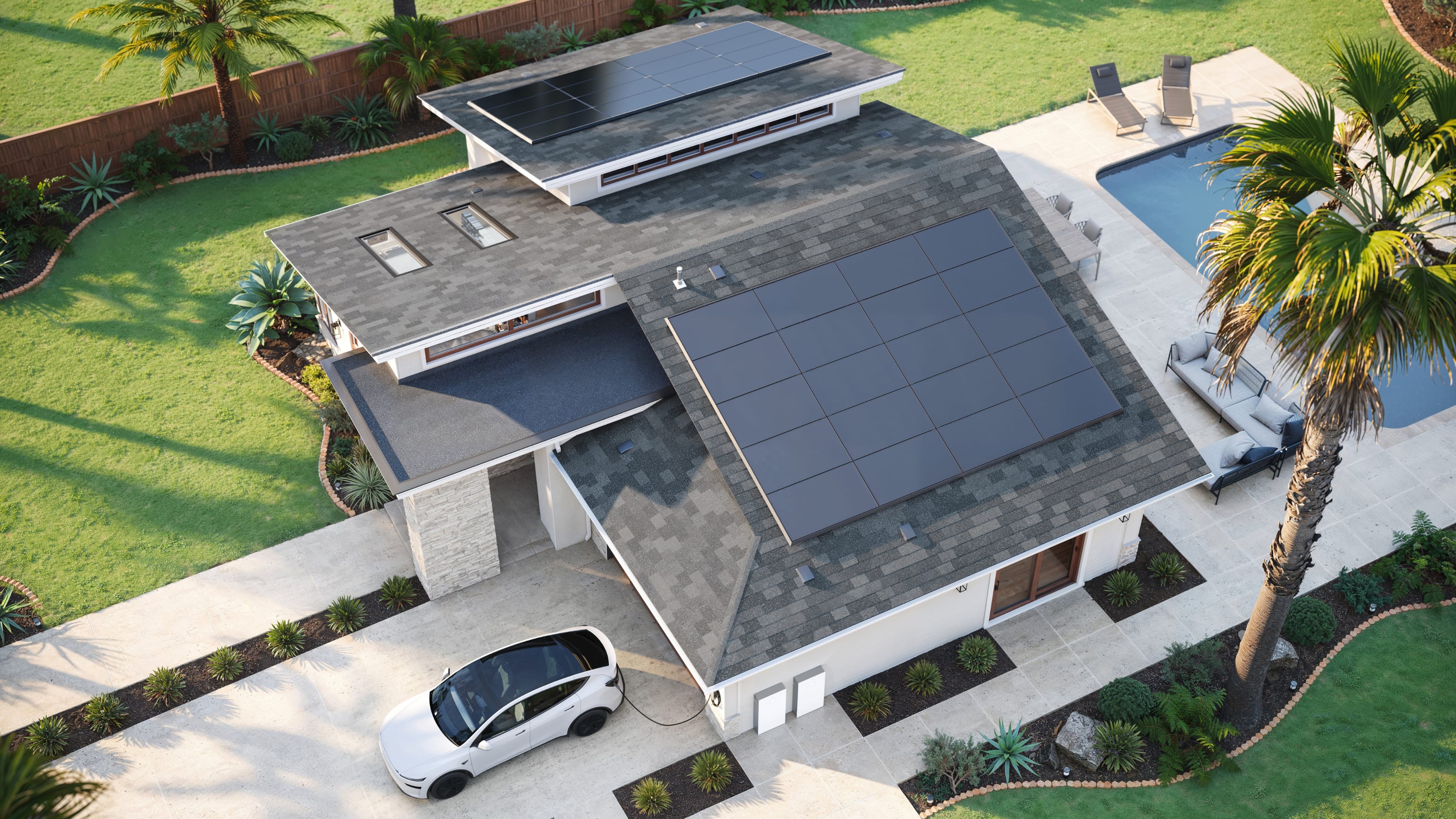
Tesla product illustration of a home energy ecosystem, not a rendering of your selected configuration
Solar at work
SolarPowerwallHomeCybertruck
Tesla concept image · illustration of the ecosystem

Turn your roof into part of your daily routine.

Picture lunch in the kitchen while your roof helps power the house. Surplus solar can go to compatible storage and charging, according to your settings.

Solar → HomeSurplus solar → Powerwall 3Surplus solar → Eligible Tesla EV

Charge on Solar is conditional: compatible vehicle, firmware, Powerwall, stable internet and eligible site settings. 2012–2020 Model S and 2015–2020 Model X are excluded.

About Charge on Solar
A system works best when the pieces fit.

Cybertruck + Powerwall 3 + Universal or Gen 3 Wall Connector: a documented home-backup configuration, subject to hardware, software and commissioning.

Configuration checked against Tesla’s September 14, 2026 application note. Hardware, firmware and commissioning must be confirmed for your home.

MAKE BACKUP PERSONAL

Keep what matters.
Plan for the rest.

What would you want to keep doing during an outage? Select your priorities and they will appear in your plan.

A wish list to design around. Large heating, cooling and EV loads can change battery sizing substantially. Medical needs require a dedicated contingency plan.

GET TO KNOW THE BUILDING BLOCKS

More than products.
A plan for how you live.

Explore the piece you are curious about.
See the benefit—and what needs to fit.

Tesla’s all-black 2026 solar panel design on a roofBRAND NEW · 2026 GENERATION

THE ROOF IS PART OF YOUR HOME’S DESIGN

Power that belongs
on your roof.

Tesla’s new panels use cascading cells to conceal visible connections, with an integrated skirt for a cleaner roofline. The result: power production with an intentional, all-black appearance.

  • 18 power zones: a redesigned electrical layout, not a claim of three times the power.
  • PanelMount: a rail-less mounting approach designed around Tesla’s panel frame.
  • A system perspective: evaluate solar generation alongside storage, driving and backup goals.

Introduced in 2026. Project availability, roof fit and final design need confirmation. “Brand new” does not mean exclusive or first access.

See Tesla’s panel introduction

THE CONNECTED HOME, IN CONTEXT

Think beyond the lights.
Keep today and tomorrow clear.

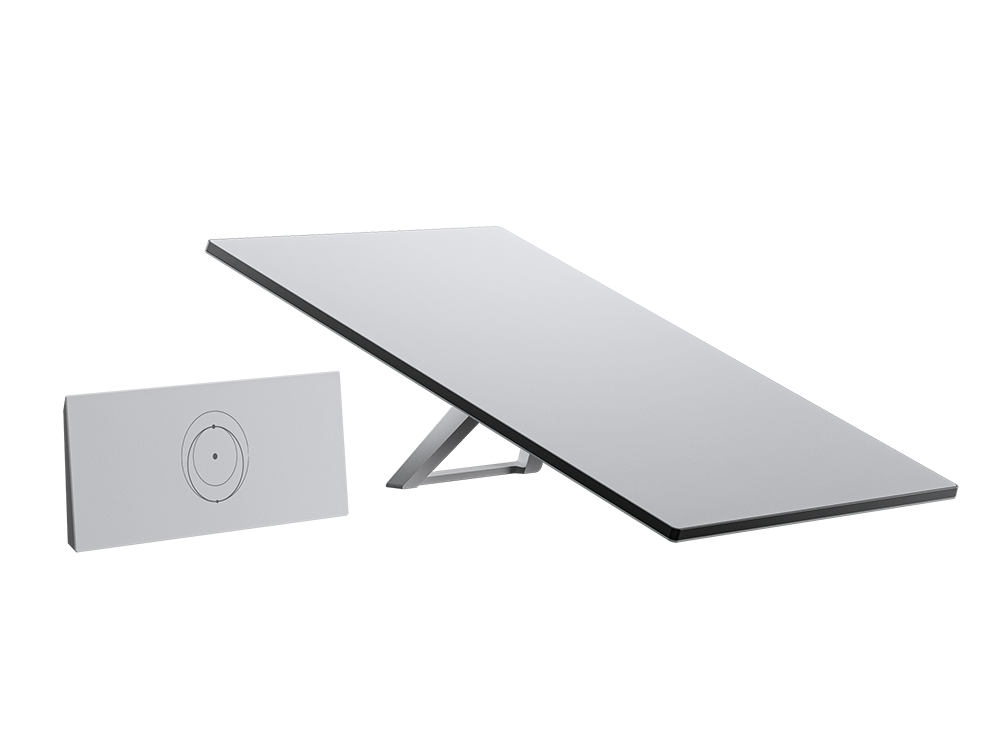
Keep your internet equipment powered.

Starlink can be another load on your backed-up circuits, helping keep work, communication and entertainment connected when local power is out.

1.2 kWh100 W planning assumption × 12 hours
for a Standard dish, router and power supply

Standard models average about 75–100 W; actual use varies. This excludes system losses and every other home load. Backup power does not guarantee internet uptime: sky view, weather, network and service availability still matter. Starlink is a separate SpaceX service, not a Tesla app feature.

Starlink power-use guidance
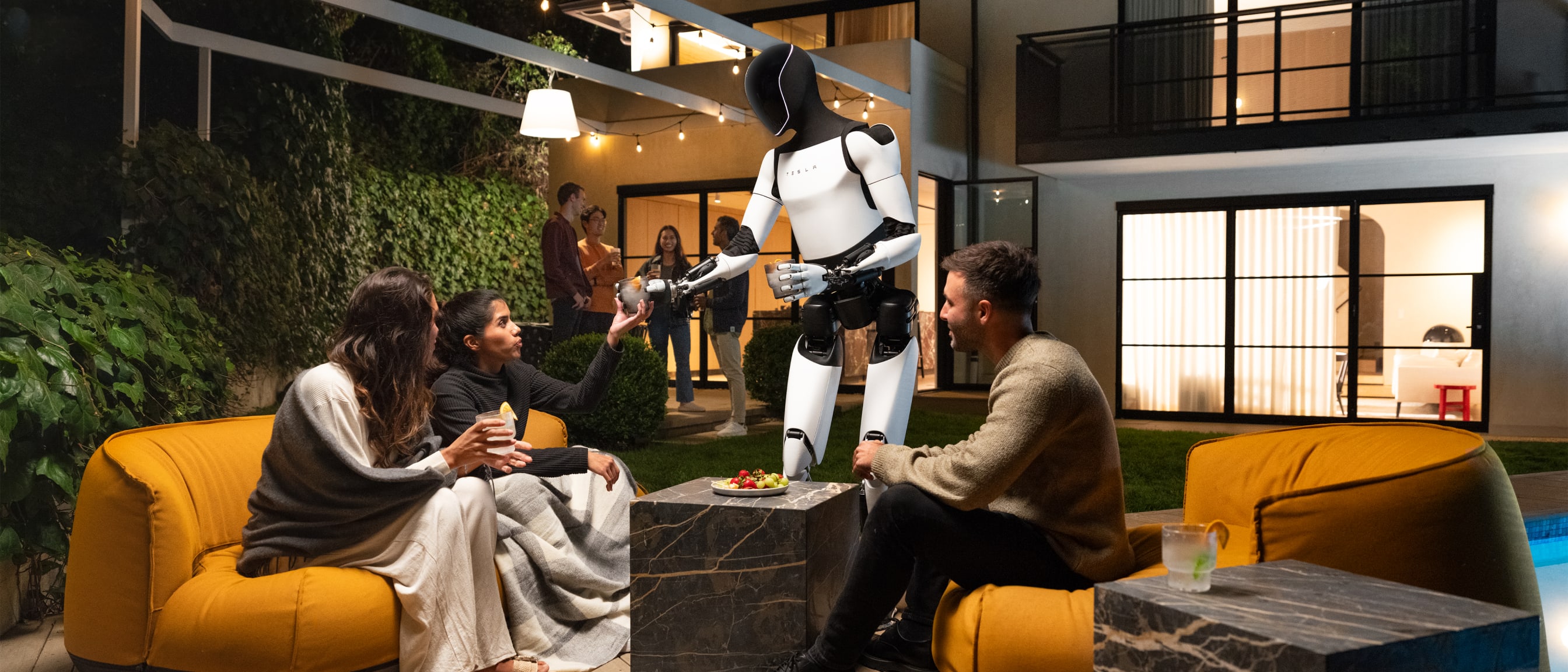
Tesla Optimus development robots from Tesla’s official We Robot presentationFUTURE · IN DEVELOPMENT

Meet Optimus.
Imagine what comes next.

Tesla’s humanoid robotics program is called Optimus. It is a glimpse of the kind of electric technology that may someday become part of everyday life.

A thoughtful home-energy plan can consider room for future electrical demand. That is a planning conversation—not a promise that a robot will plug itself in or coordinate with your Powerwall.

No consumer delivery, self-charging capability or Tesla home-energy integration is promised here. Build for your real needs today.
Explore Tesla’s robotics work
What else is in Tesla’s energy ecosystem?

Solar Roof, Tesla inverters, backup gateways, commercial charging, Megapack and utility programs serve other needs or configurations. Tesla’s current ecosystem also includes selected third-party integrations. Tesla Electric and virtual power plant programs have location and utility restrictions; availability elsewhere does not establish eligibility in Utah.

For your home, the useful question is which supported combination fits your roof, service, utility and daily routine.

Read Tesla’s broader ecosystem overview

EXAMPLE SNAPSHOT · CHANGE THE CHOICES ABOVE

Keep familiar routines going when the grid cannot.

Keep my routine through an outage

Your equipment starting point

  • 2026 Tesla solar panels to evaluate
  • Powerwall 3 to evaluate
  • Cybertruck
  • Starlink as a backed-up load

The routines you want to protect

Fridge & freezerLightsInternet & home office

These are priorities to size and wire for, not confirmed backup coverage.

Your vehicle / home connection

Cybertruck + Powerwall 3 + Universal or Gen 3 Wall Connector: a documented home-backup configuration, subject to hardware, software and commissioning.

Your result is already yours. No email required.

About this planner and its sources

Educational planning tool reviewed against official Tesla and Starlink material on September 16, 2026. It does not size a system, simulate real production, confirm your service capacity, or guarantee backup duration or savings. The example home image is not a rendering of your selections. Product photographs are credited to Tesla and Starlink.

Current Powershare scenarios follow Tesla’s installer application note, revised September 14, 2026. Its Powerwall 3 availability guidance is newer than the general consumer FAQ, which still describes Powerwall compatibility as forthcoming. Confirm your actual installation with the current installer requirements. No PW2 Powershare operation is modeled.